Cable management and hiding: a practical desk & TV guide
Cable clutter is the most common problem we detect in desk and TV-corner photos. The fix doesn't start with buying a product — it starts with planning the path and hiding the power strip. This guide walks through the steps in order, then suggests the right product type for each step.
The steps, in order
1. Unplug and count what you actually need
Unplug every device and pull the cables out from under the desk, then ask yourself: is this cable even used? Getting rid of unused cables removes half the mess before buying any product.
2. Gather cables into a single path
Instead of scattered cables, make them run in one line along the desk edge or the wall. Reusable cable ties or a spiral sleeve bundle them into one tidy cord.
3. Lift the power strip off the floor
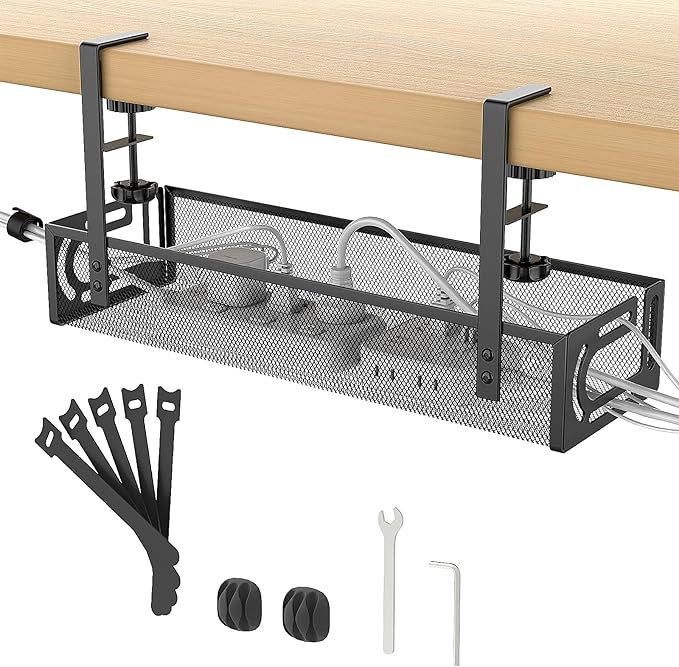
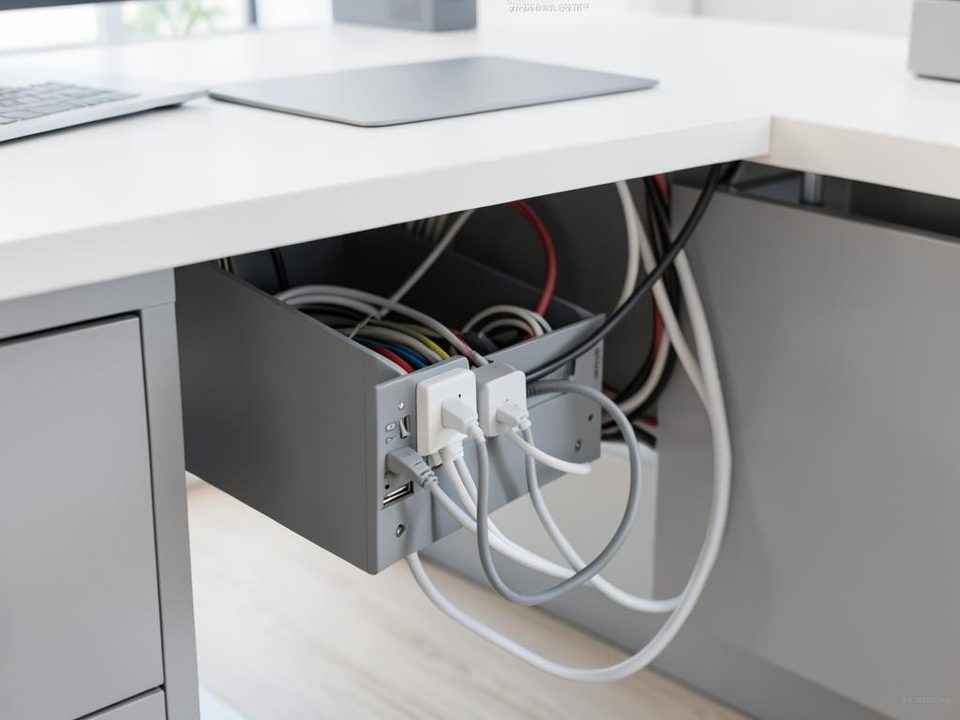
Most of the mess starts with the power strip lying on the floor. A cable management box hides the strip and slack and protects from dust, and can be mounted under the desktop or behind a side table.
4. Fix cables so they don't fall
Adhesive clips keep your charger or mouse cable on the desk edge so it doesn't slip behind it every time. Stick them on a clean, dry surface so they hold well.
5. Route TV cables vertically
Wall-mounted TV cables show more than any others. Bundle them into one sleeve running vertically down to the console, then hide the strip and slack in a box under the table.
6. Label every cable
A small label on each cable end saves you from tracing cables later, especially if you have more than one screen or device.
Common mistakes to avoid
- Wrapping cables tightly or bending them sharply near the plug.
- Stacking power strips inside a closed, unventilated space.
- Running cables under rugs in walking areas.
- Using strong adhesive on a painted wall without testing a hidden corner first.
Product types that help

Desk Cable Organizer
View on Amazon
Adjustable braided cable sleeve
View on Amazon
Cable Concealer Cover Set
View on Amazon
Cable Organizer
View on Amazon
Desk Cable Organizer
View on AmazonFrequently asked questions
What's the difference between a cable management box and a cable organizer?
The box hides the power strip and excess cable inside it, while an organizer (ties, clips or a sleeve) gathers cables and guides their path without fully hiding them. In practice, using both together works best.
Do I need to drill the wall to hide TV cables?
No. A spiral sleeve or adhesive raceway can bundle cables vertically on the wall without drilling — a good option for rented homes.
How much is enough to organize one desk?
Usually one box with ties and clips is enough. Set your budget on the home page and we'll suggest what fits it.
Your space is different? Snap it and leave it to us
Upload a photo of your desk and set your budget — we'll detect the problems and suggest the right touches.
As an Amazon Associate we earn from qualifying purchases. Wesh Naqes? is not affiliated with or endorsed by Amazon, and Amazon does not endorse our recommendations. Disclosure details